
3 months
—
Compared with renewing monthly.
- 35,000+ international live TV channels
- 179,000+ movies and series on demand
- SD, HD, FHD, 4K and UHD picture options
- Anti-buffer server technology
- Adult Channels Included
- No bonus month
Bring live channels, on-demand entertainment, and device flexibility into one viewing experience. Compare fixed-price plans, choose your screens, and get help setting up.
Choose quality over guesswork. The 12-month plan starts at $67 for one device.

13 months of access for the fixed 12-month price. Ask support to confirm current availability before ordering.


























Browse a sample of entertainment artwork from the supplied gallery. Titles and availability should be confirmed against the current catalog.










Explore sports categories, then ask support about the specific events and channels you need before subscribing.









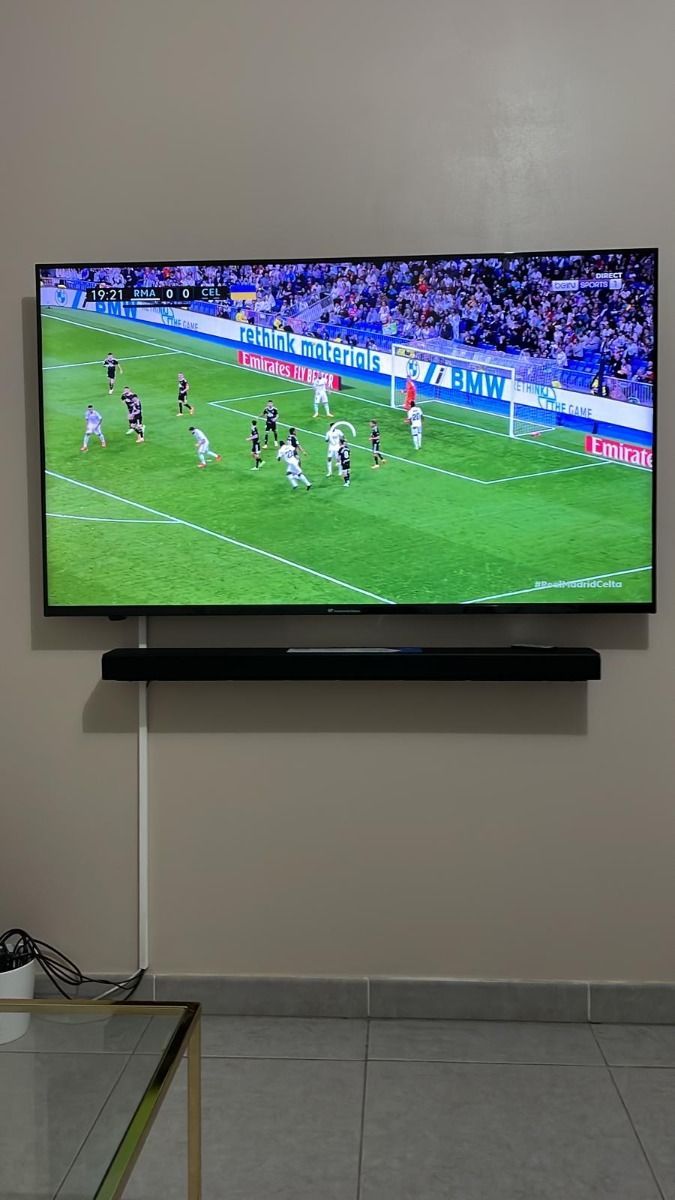
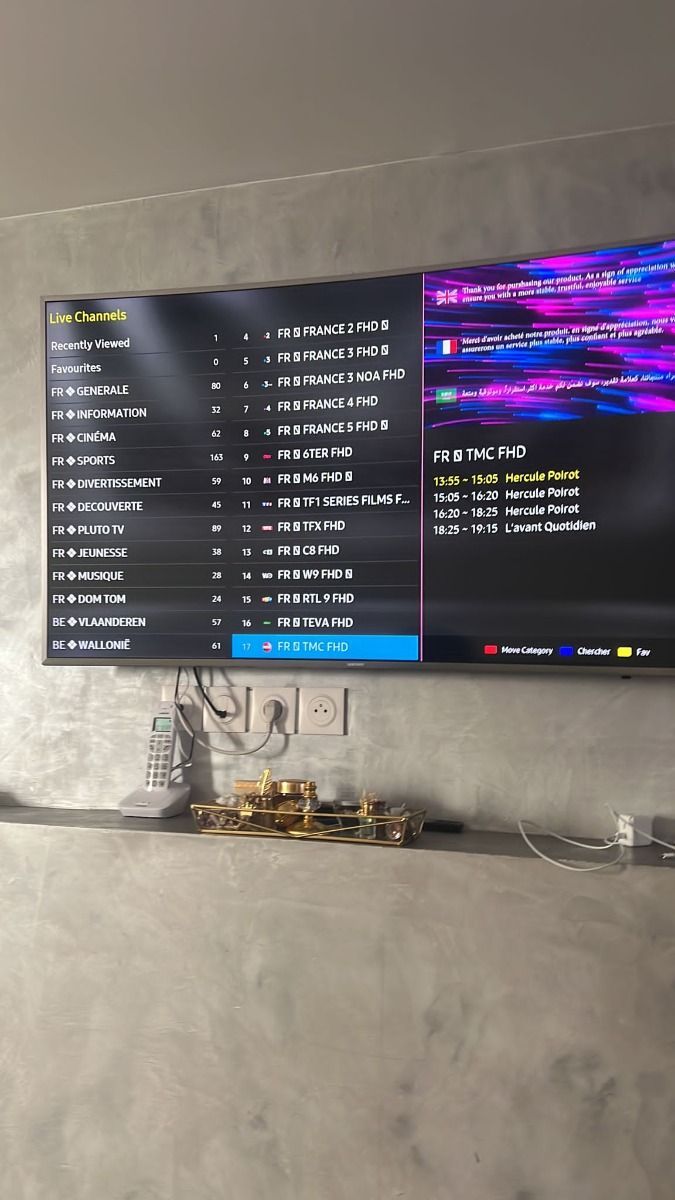
These supplied previews illustrate a channel guide and viewing screen. Actual app appearance varies by player and device.
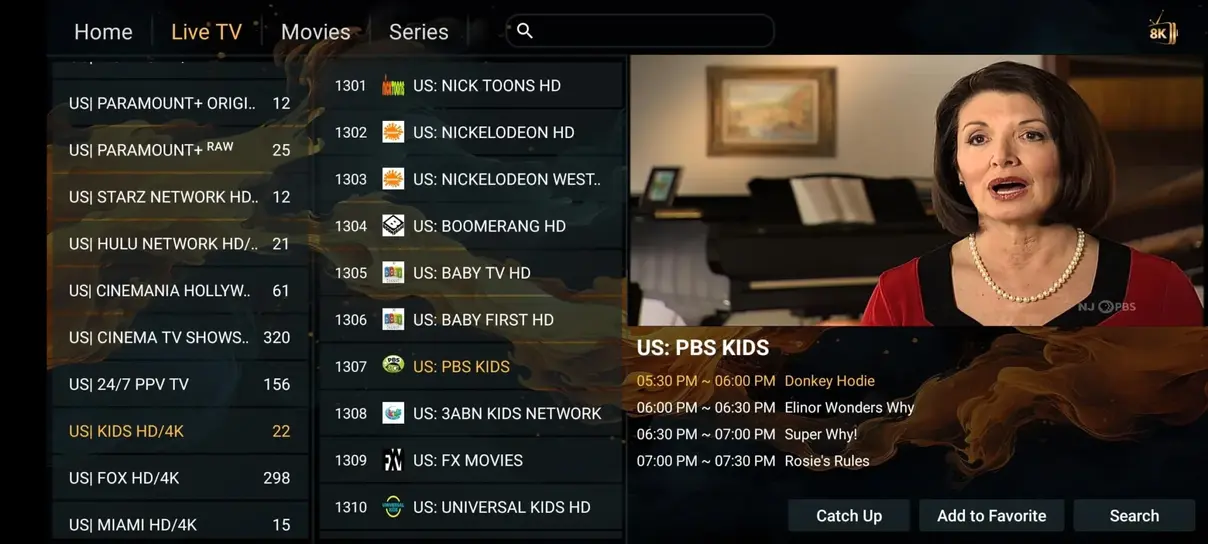
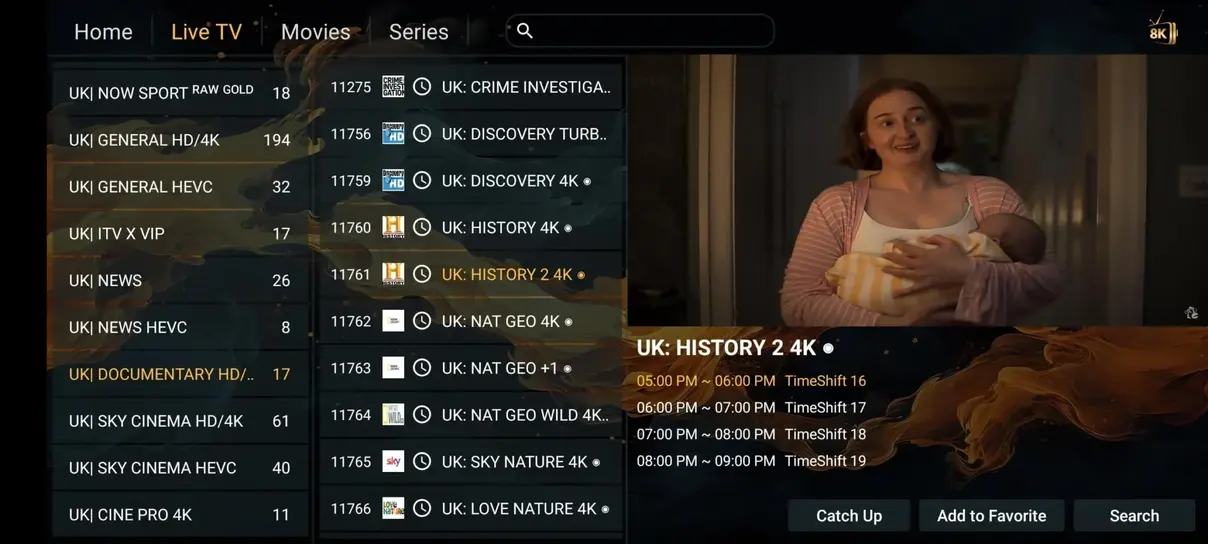
A practical view of plan flexibility and content categories beside a conventional TV package.
| What matters | Expedite TV | Traditional cable or satellite |
|---|---|---|
| Annual subscription | From $67 / year | Depends on provider and package |
| Live content | International channel lineup | Plan-specific lineup |
| Movies and series | On-demand catalog advertised | Often separate add-ons |
| Adult channels | Included in listed plans | Provider-dependent |
| Sports | Categories advertised | Often separate tiers |
| Commitment | 1, 3, 6, or 12 months | Provider-dependent |
| Watch away from home | Compatible connected devices | Provider-dependent |
Comparison is illustrative. Verify the current channel lineup, rights, and local cable pricing before purchase.
Select a screen count and currency. Every total comes from a fixed table; longer plans show savings against repeated monthly renewals.
Compared with renewing monthly.
Compared with renewing monthly.
Compared with renewing monthly.
Try a shorter commitment with the same core access. No bonus month applies.
Adult Channels Included

Totals are fixed. Monthly and daily figures are illustrative, using 30 days per month. Confirm payment details with support.
A compatible player and your private access details are all you need to get started.
Install a compatible IPTV player from a trusted source on your TV, Fire TV, Android device, phone, or computer.
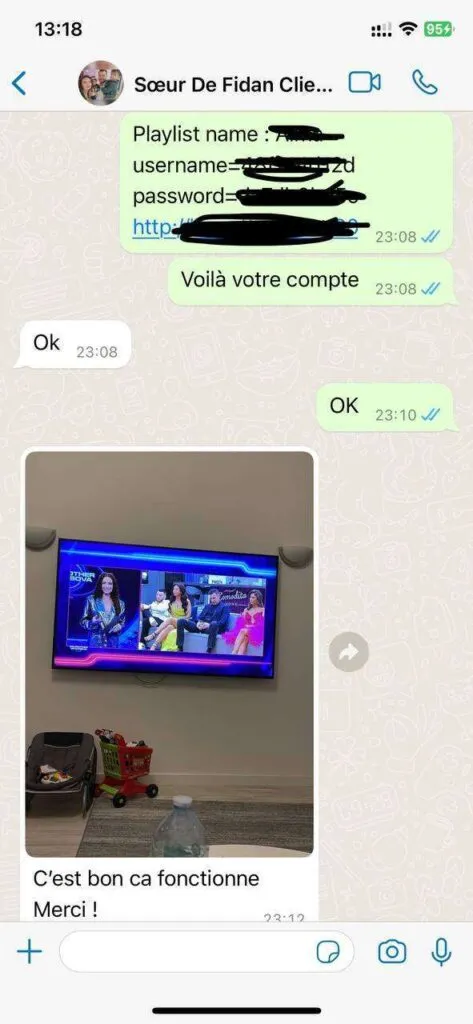
Use the M3U URL, Xtream Codes details, or portal instructions provided by support after activation.
Refresh the playlist, browse the guide, and test your preferred channels. Contact support if anything needs adjustment.
Choose a compatible player for your screen. Exact app support varies by device model and operating system.







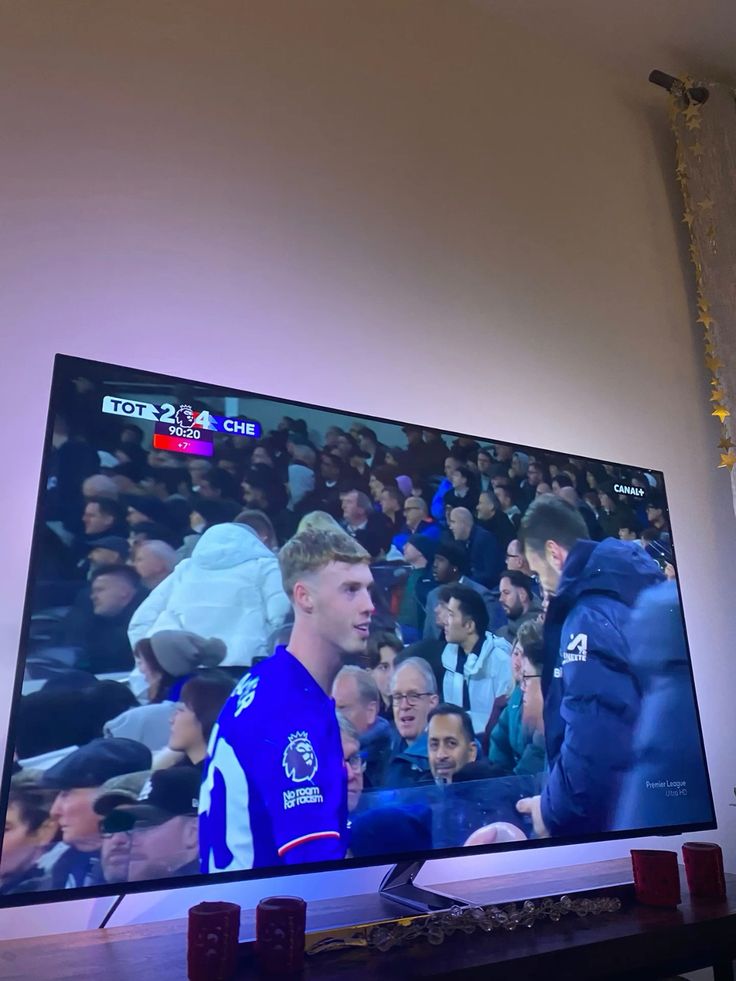
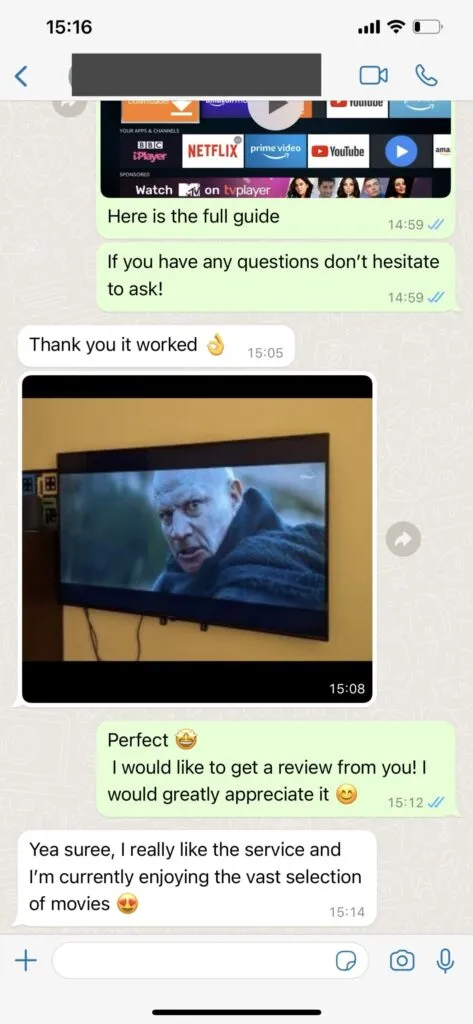
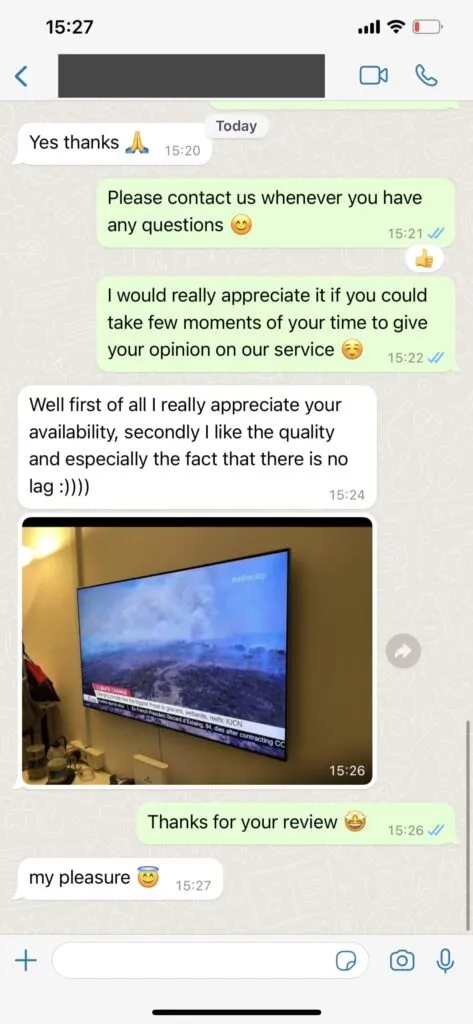
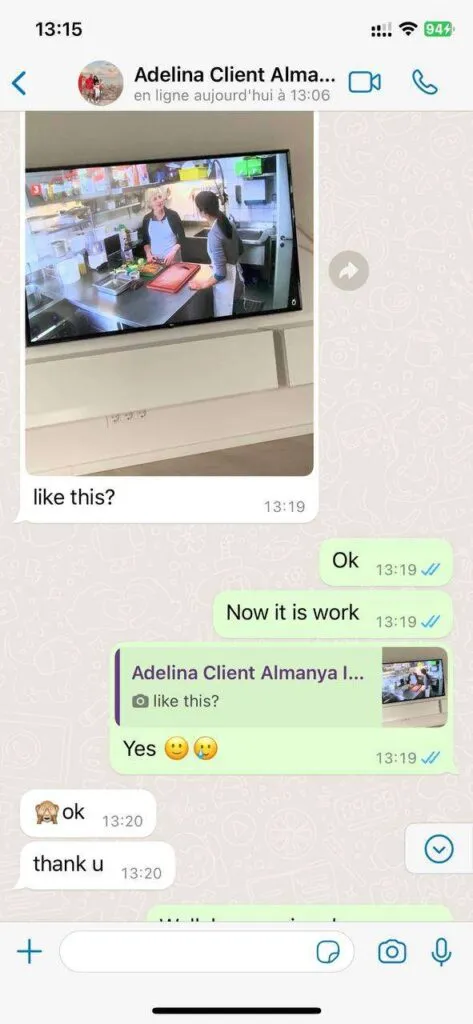
The supplied gallery shows televisions displaying entertainment. These photos are visual examples, not attributed customer reviews or proof of service performance.
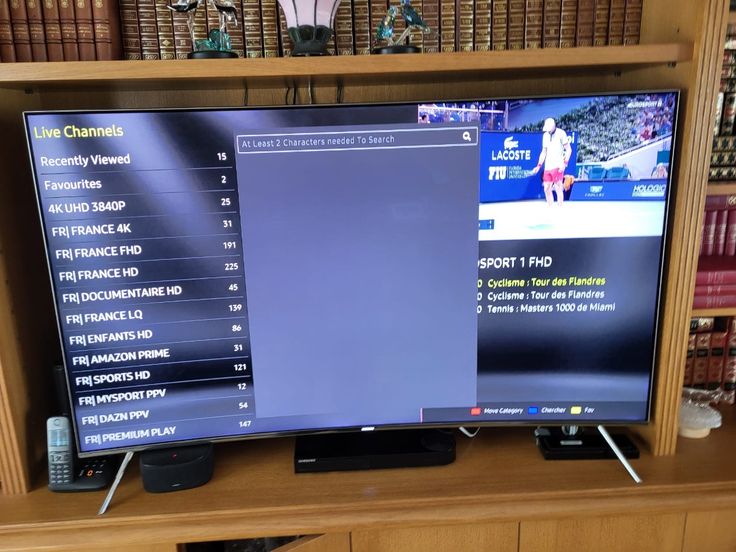
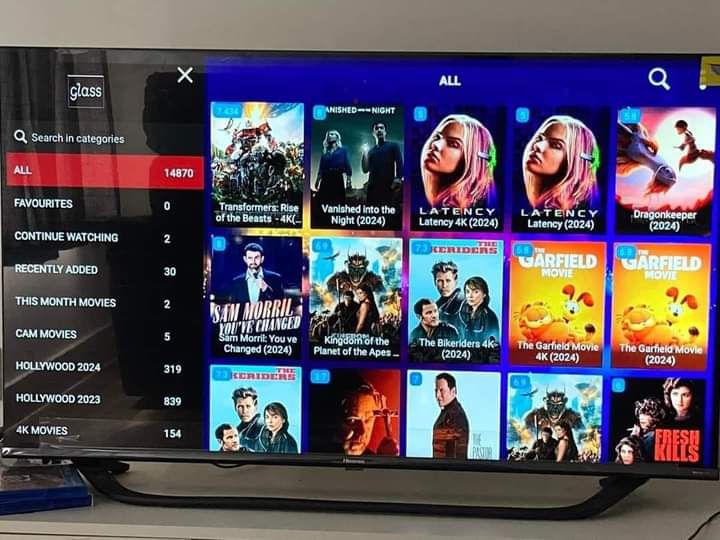
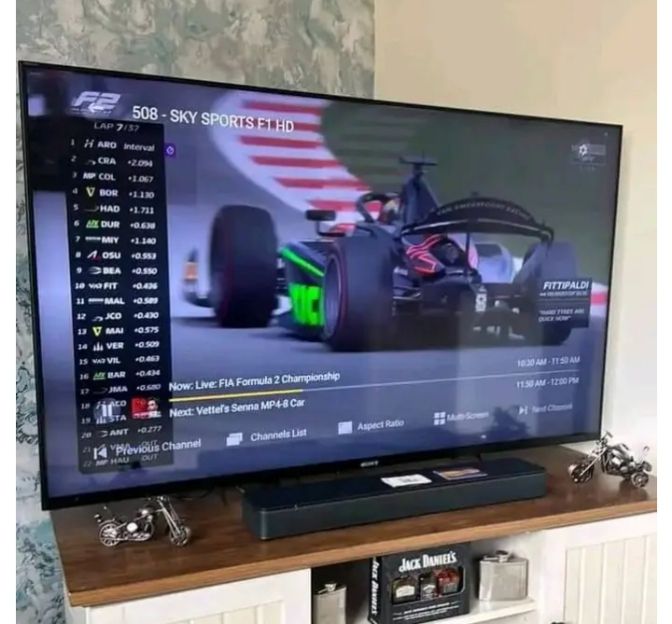
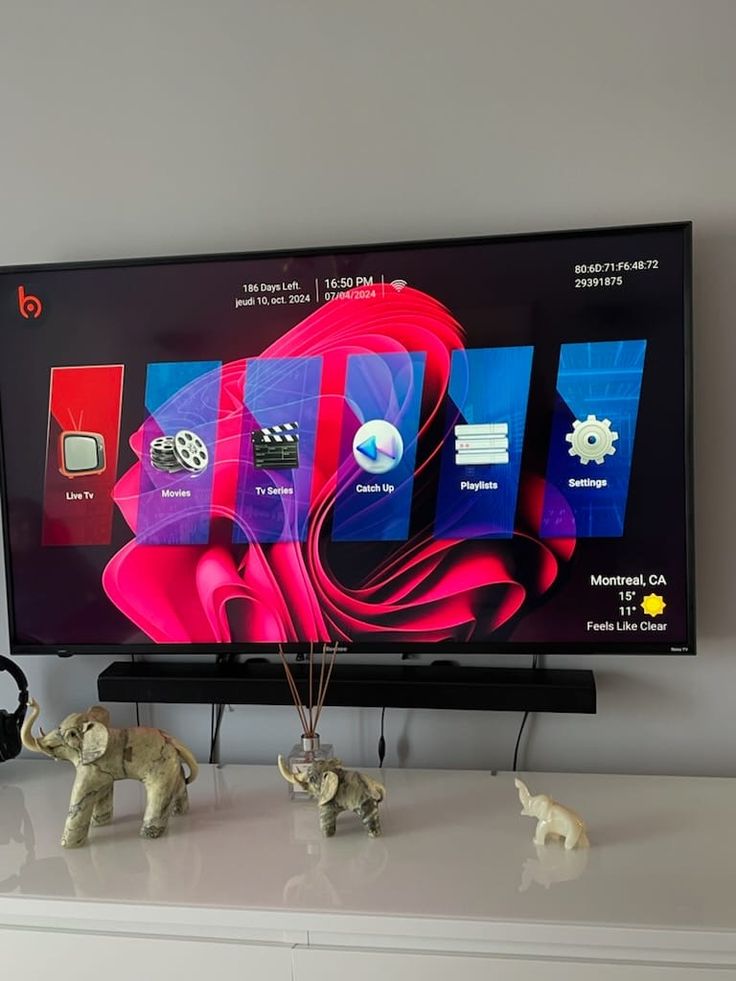
Ask about your device, channel interests, plan duration, or setup. WhatsApp opens with a message you can review before sending.
Tell us what you want to watch and where you plan to watch it.
See the core experience at a glance, then review plan and device details before choosing.
Browse international categories from a single player.
Switch between movies and series when it suits your schedule.
Use compatible TVs, streaming sticks, mobile devices, and computers.
Select one to four simultaneous connections for your household.
EPG and replay features can help you plan viewing where supported.
Follow a device guide or ask the team for assistance.
Seven quick answers cover support, payment, devices, content, speed, VPNs, and travel.
Contact the team through WhatsApp or email for plan and setup questions. The supplied service brief describes support for 16 hours daily in English, German, French, and Spanish. Confirm current availability with support before ordering.
Choose a plan, open its WhatsApp request, and ask the team to confirm availability and send payment instructions. Review the exact plan, number of devices, renewal terms, and refund terms before paying.
Common options include Samsung, LG, and Sony smart TVs; Amazon Fire TV devices; Android TV boxes; phones; tablets; and computers. You need a compatible player and the access details supplied after activation.
The supplied service brief advertises international live channels, movies, series, sports, and replay options. Catalog size and individual channels can change. Request a current lineup and confirm the programs important to you before subscribing.
Plan for at least 10 Mbps for HD and around 25 Mbps for 4K, with extra headroom for other household activity. A wired connection or strong 5 GHz Wi-Fi can improve consistency.
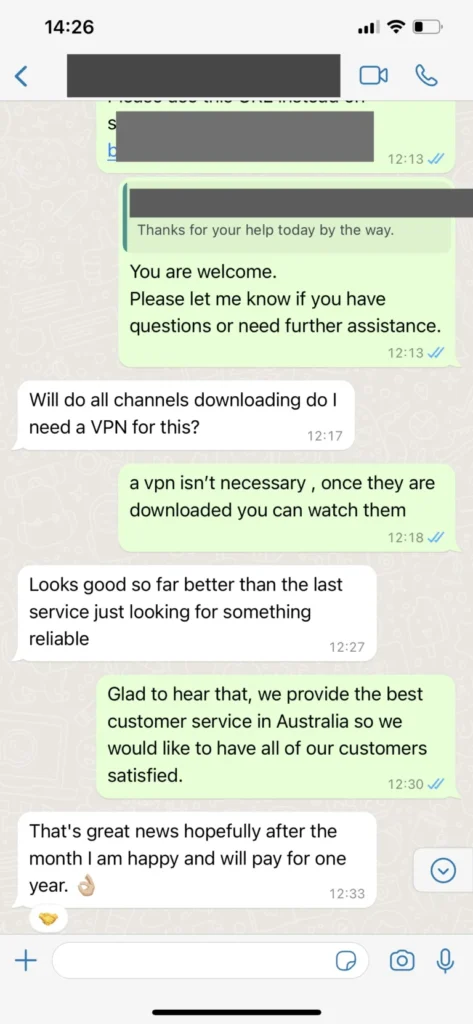
A VPN is not inherently required to run a compatible IPTV player. Whether it is appropriate depends on your privacy preferences, your network, and the laws and rights that apply to the content you access.
The service is intended to work where you have a suitable internet connection and compatible device. Local licensing, network restrictions, and the specific plan can affect availability; ask support before relying on access abroad.